
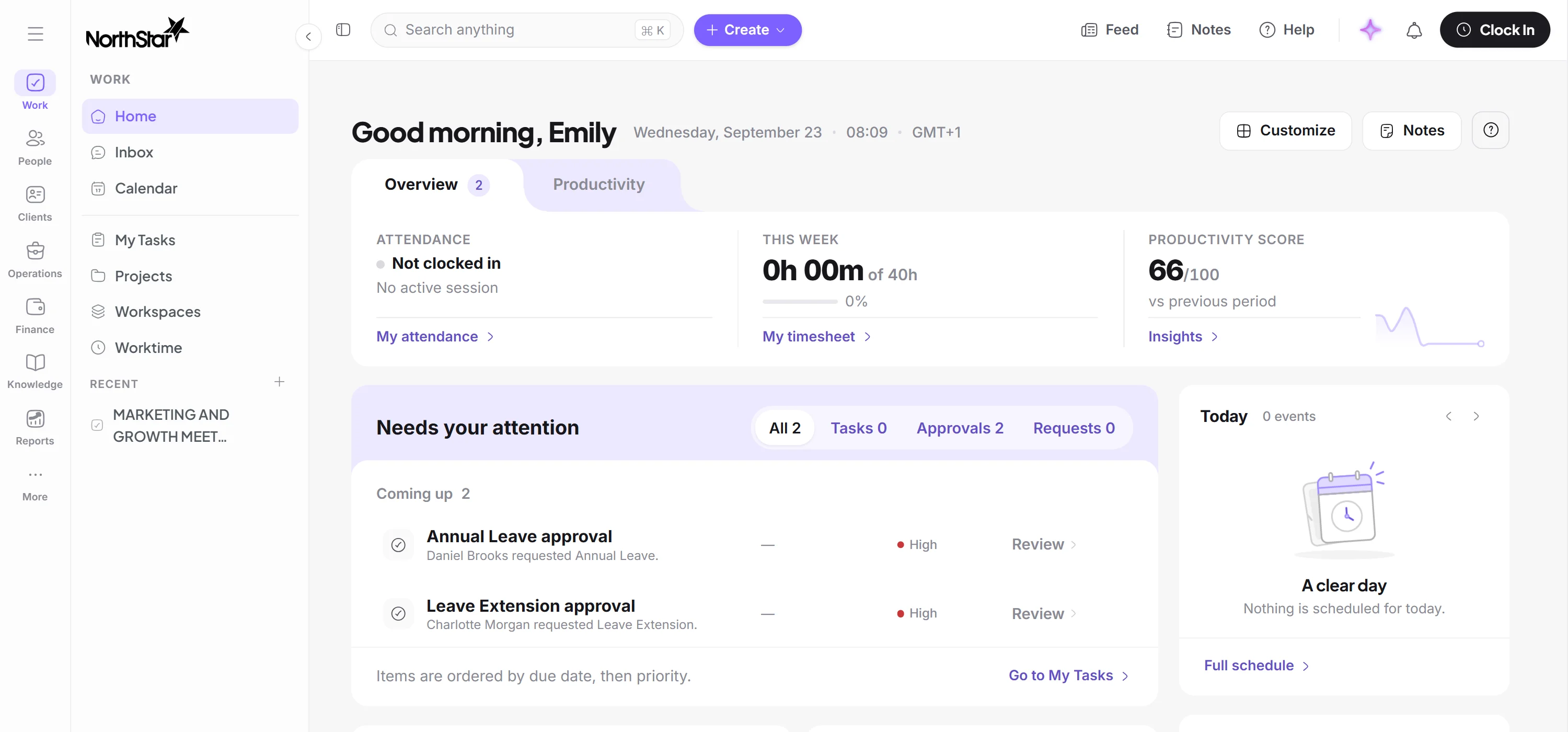
One workspace. One working day.
See how people, work, time, clients and performance fit together, from the day you set it up.
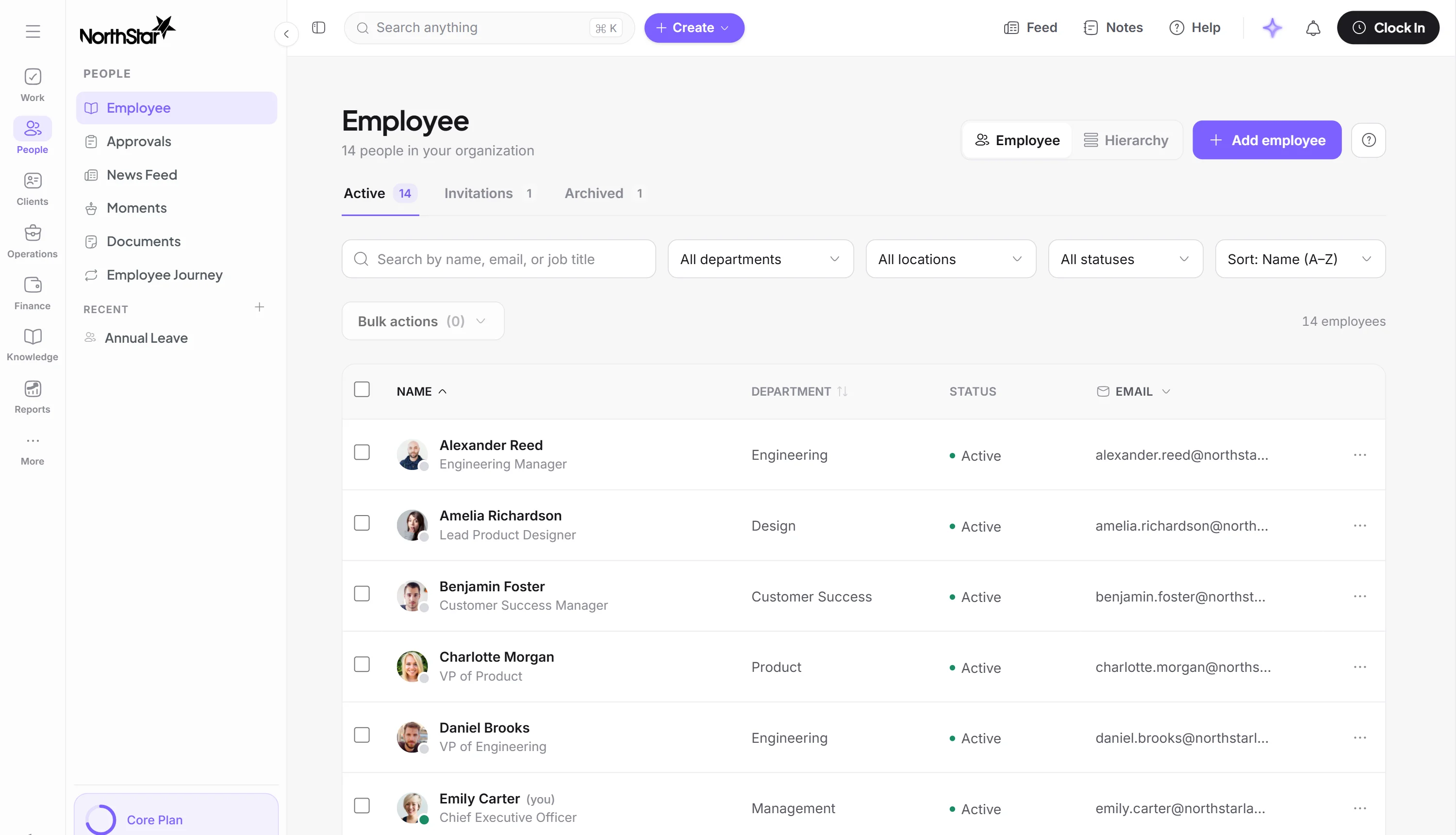
Bring your people in.
Each person gets one record with their contract, team, manager and documents. Onboarding runs from a template, and announcements reach the people they’re for.
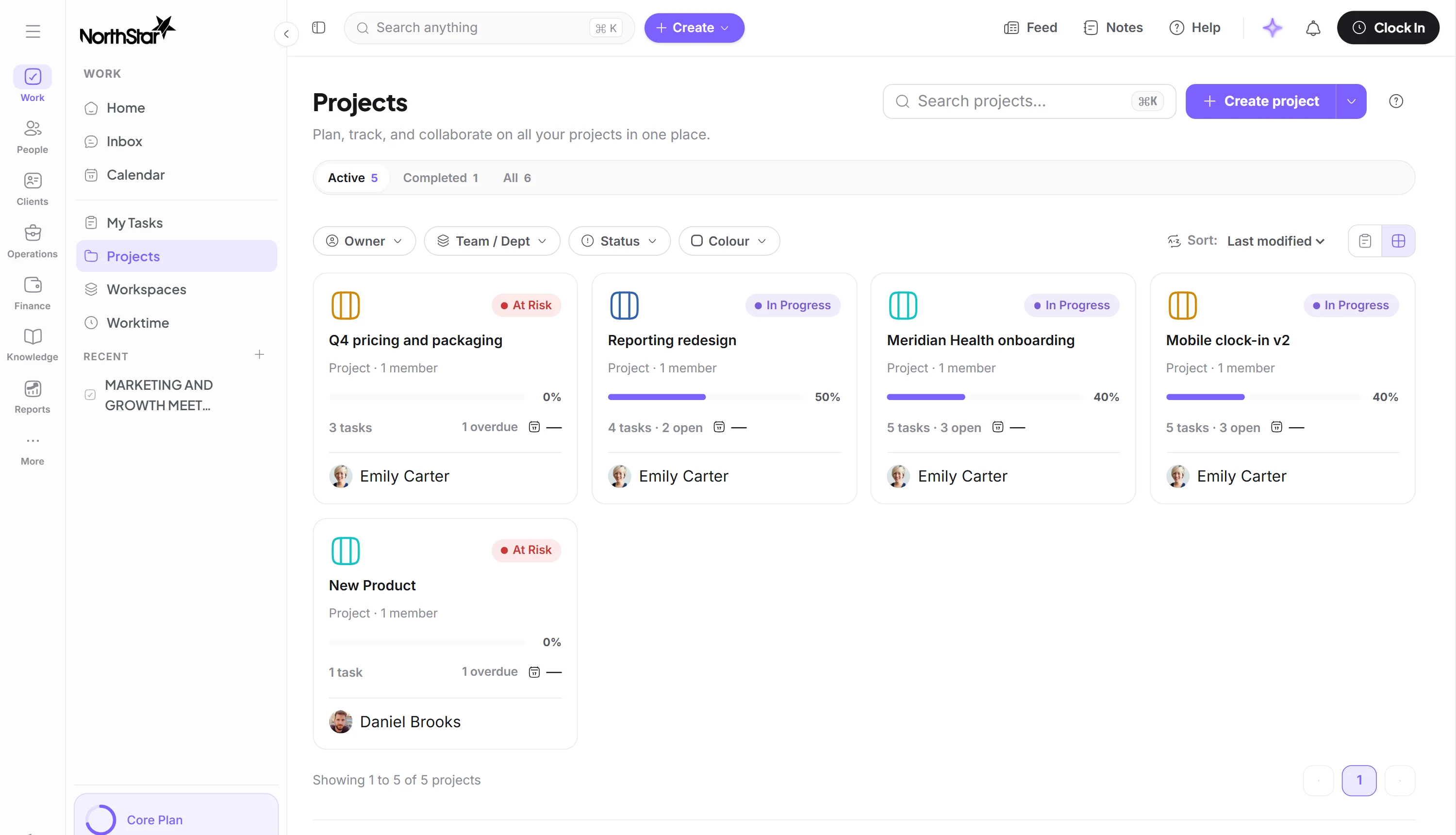
Put the work somewhere visible.
Tasks, projects, cases and requests each get an owner, a date and a status. Requests go to the right approvers, and anything stuck gets a reminder.
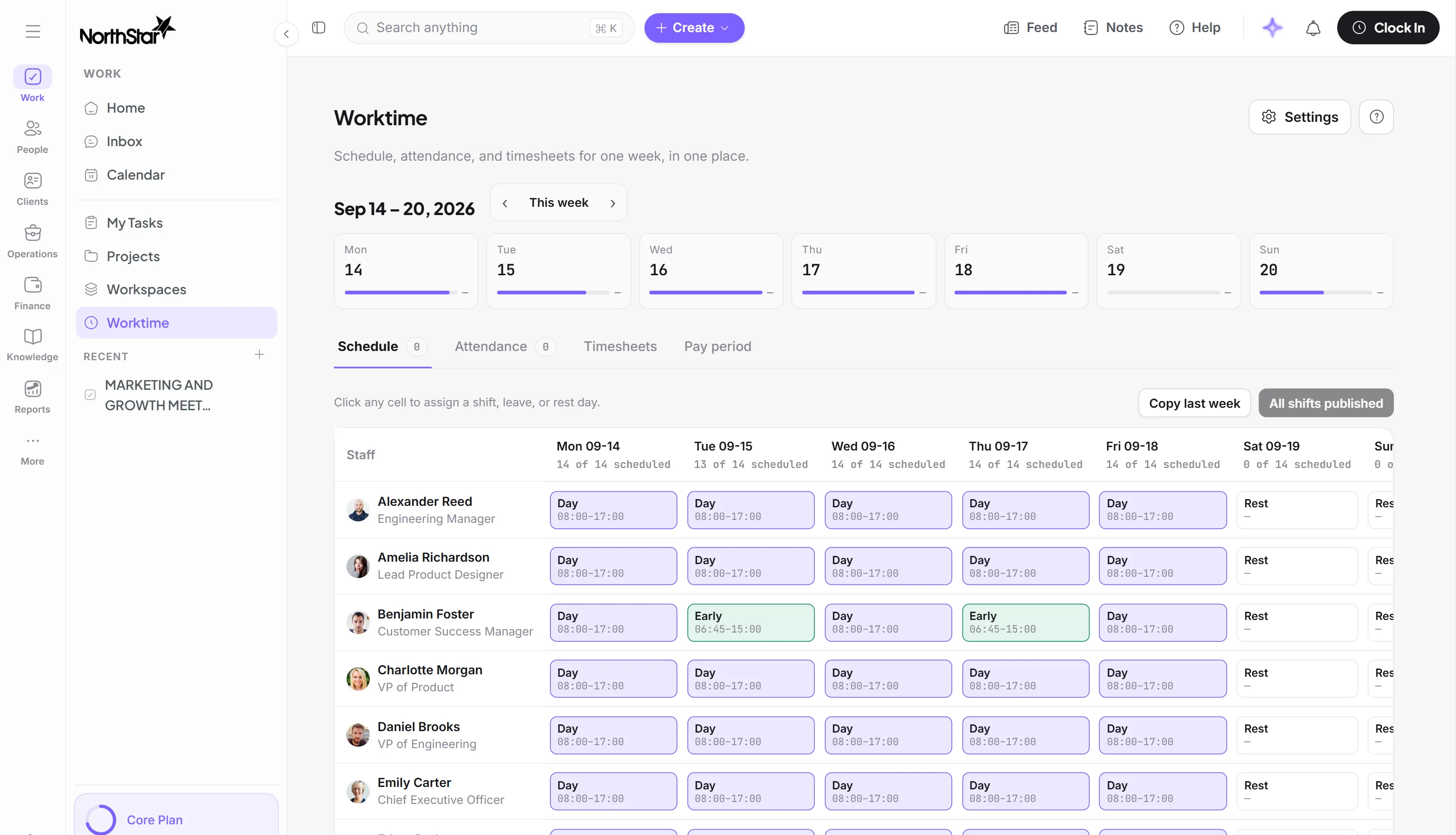
Connect time to the work
Clock-ins, schedules, timesheets and overtime give you a clearer picture of the working period. People clock in from a phone or a terminal already on the wall, and every punch carries a time, a place and the rule that judged it. A week of punches becomes a timesheet with breaks, overtime and lieu time already applied, and the pay period closes on timesheets a manager has already approved.
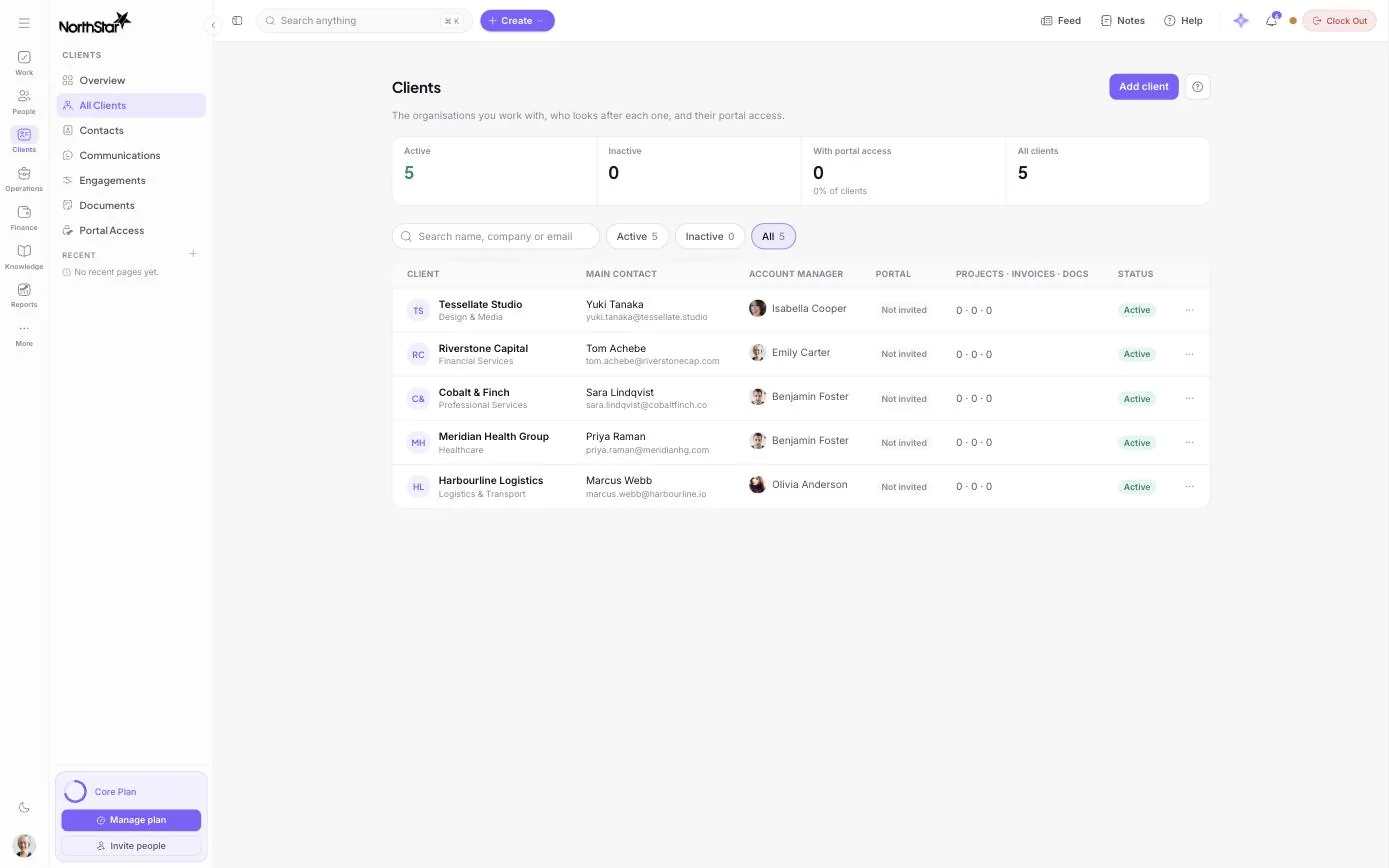
Bill the work you do for clients.
Record who works for which client and at what rate. Once hours are approved, they’re ready to bill.
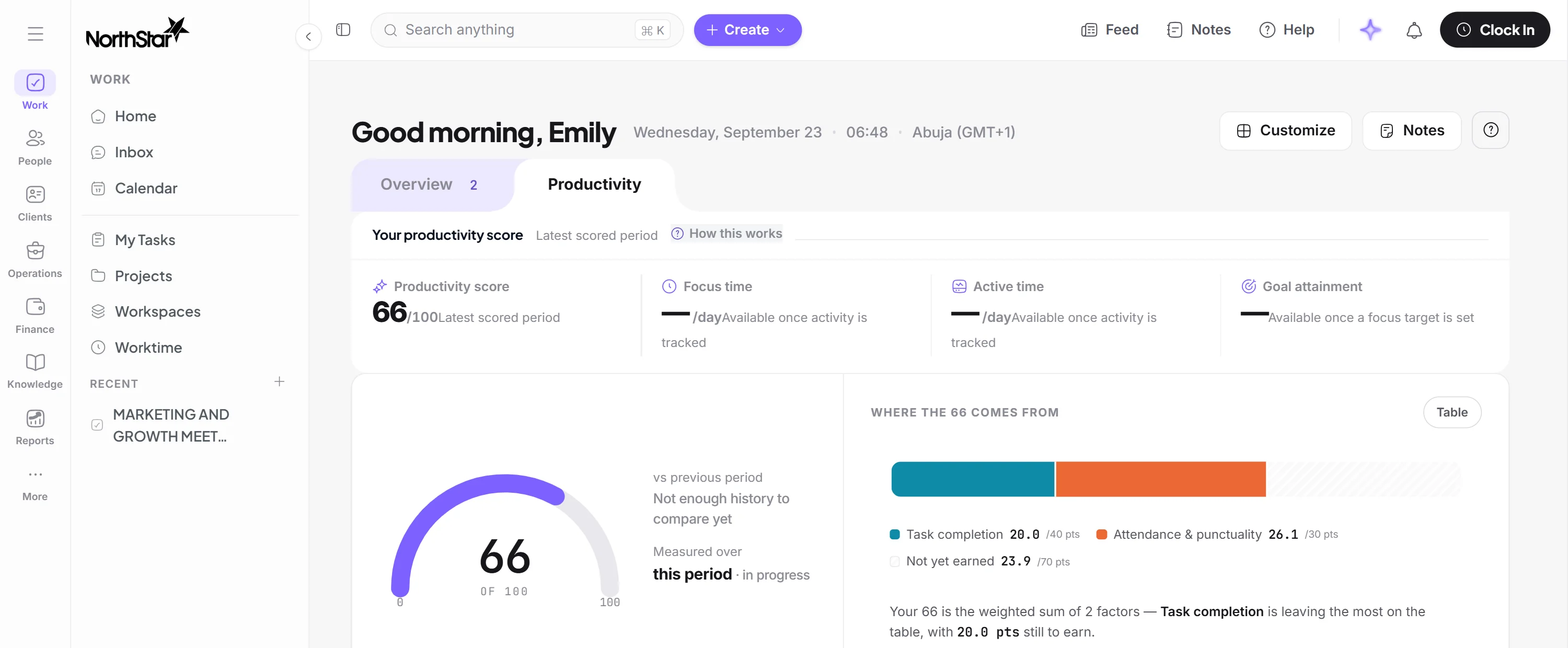
Understand how it went.
See performance at company, department, team and person level. Each person gets a proposed assessment, and their manager confirms it or records why not.
The workspace arrives with your shape already in it
You answer what kind of organization this is, and a workspace package installs the departments, the role templates and the approval chains that go with it. Ten packages ship as code, and each one fills the same seven sections, so the first person to sign in lands in a structure rather than an empty tenant.