
One record per person, from offer letter to last day.
Contract, role, manager, documents and devices in one place. Change someone’s manager and the org chart updates itself.
Explore People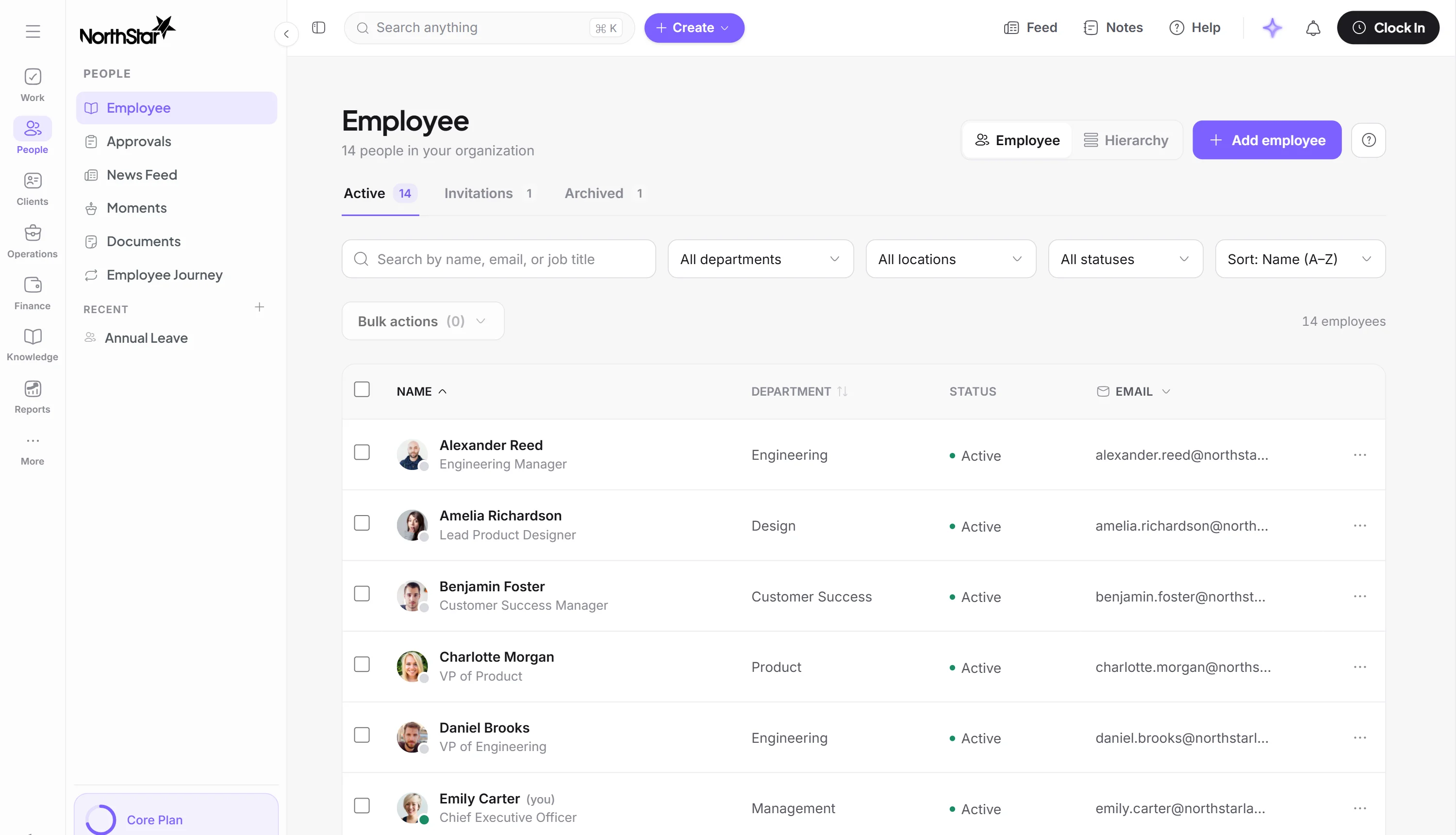
Manage people, work, time, productivity and performance from one connected workspace.
No card required · 14-day trial of everything · From $7.50 per active user, minimum 10
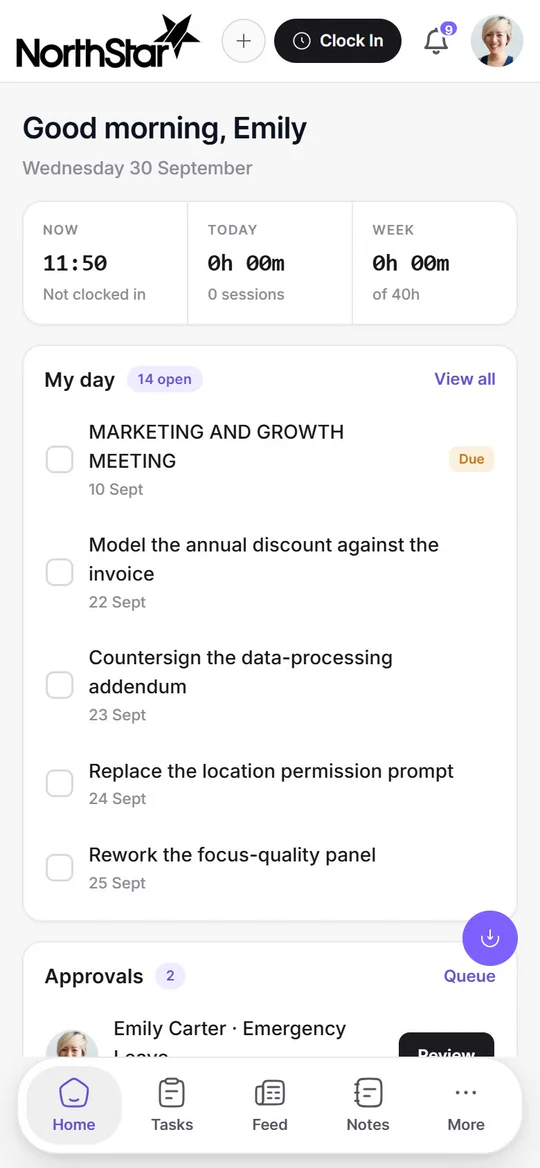
From retail and healthcare to construction and professional services, manage people, time and work wherever your team works.








Approved timesheets show each person’s hours, overtime and estimated pay, then the pay period closes on schedule and exports to your payroll provider.
Learn more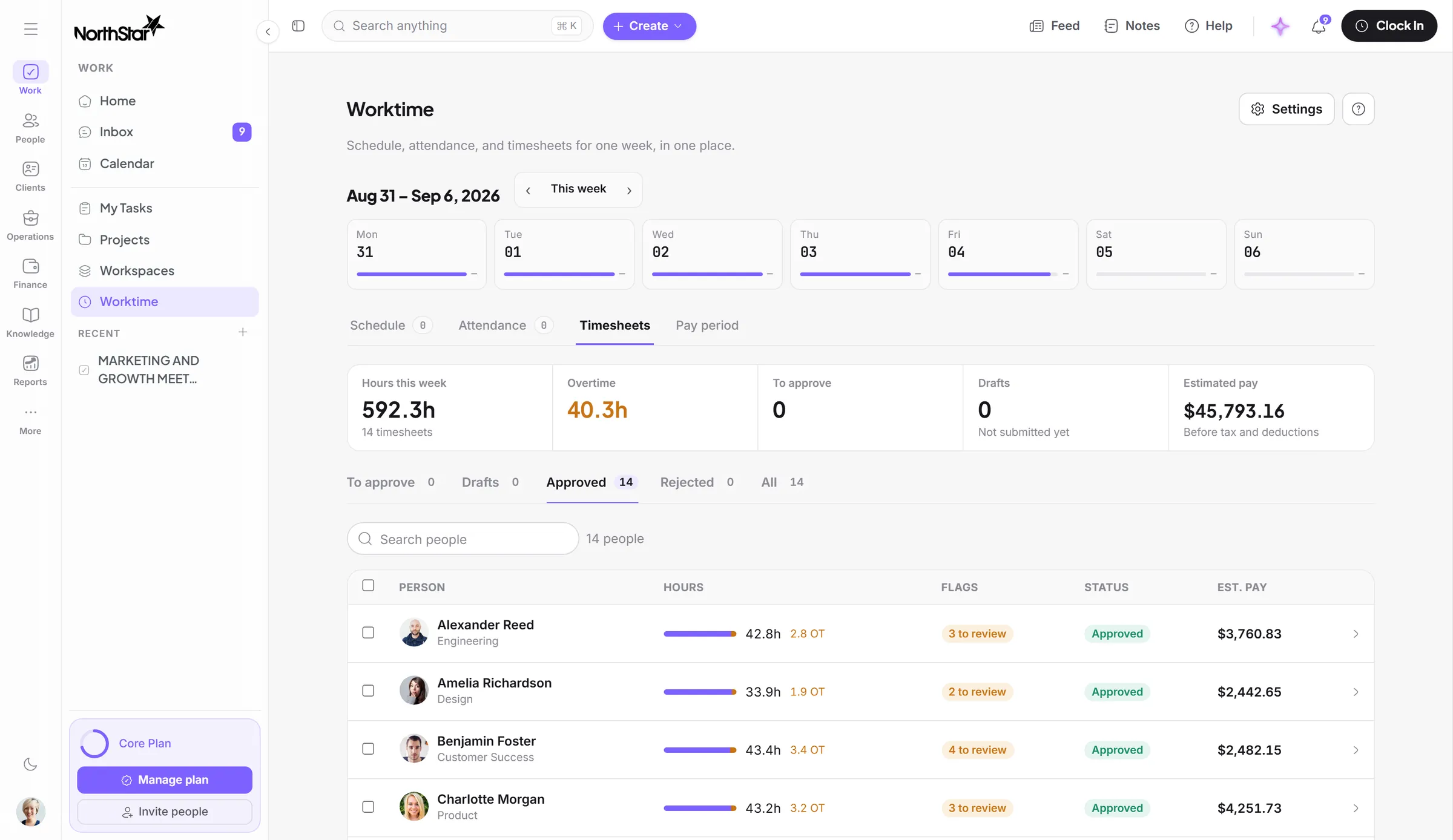
New starters get their onboarding, overdue tasks get a reminder, and approvals that sit too long get escalated.
Learn more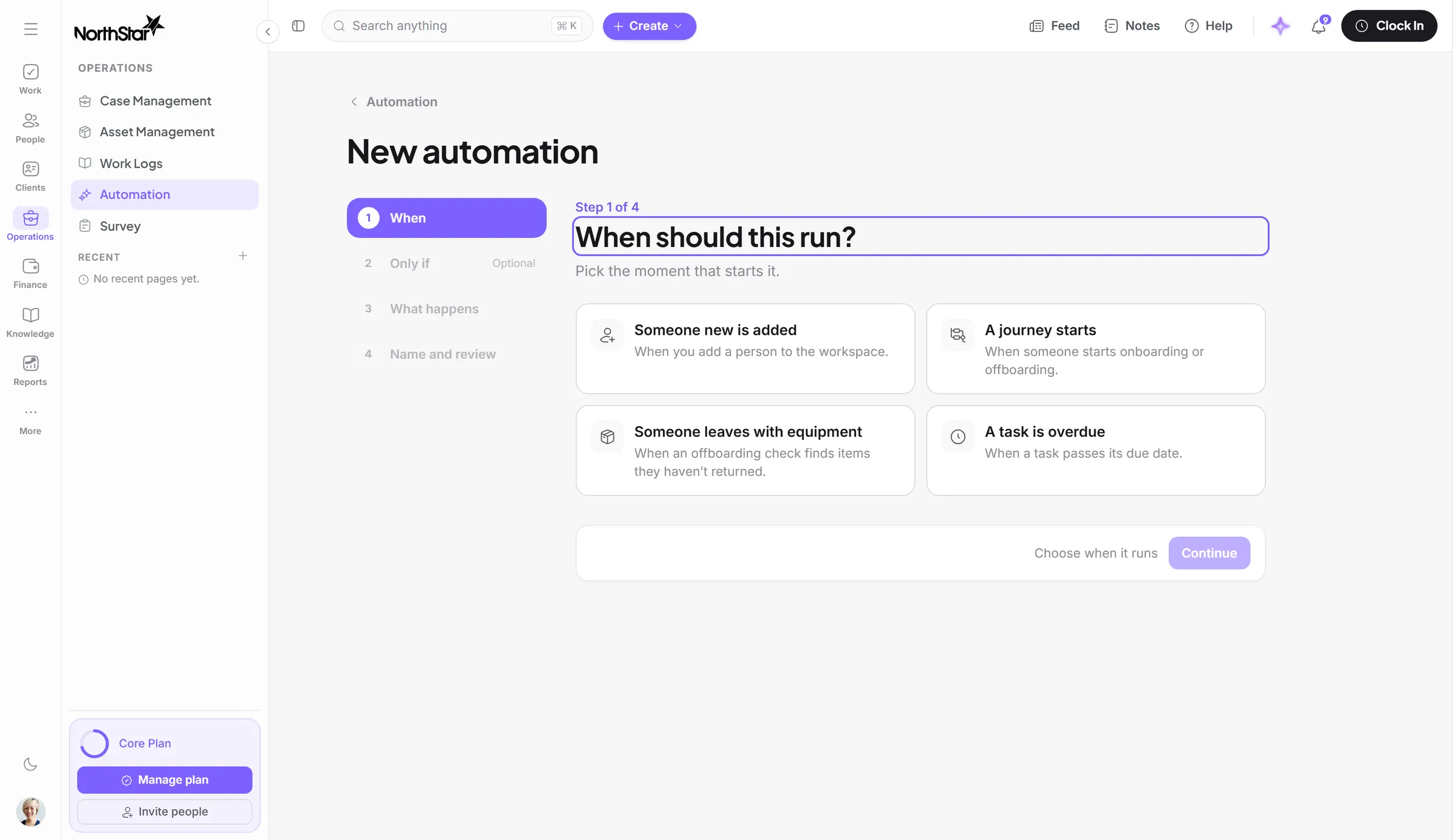
Birthdays, work anniversaries and milestones show up for the whole team, and new starters are announced when their onboarding finishes.
Learn more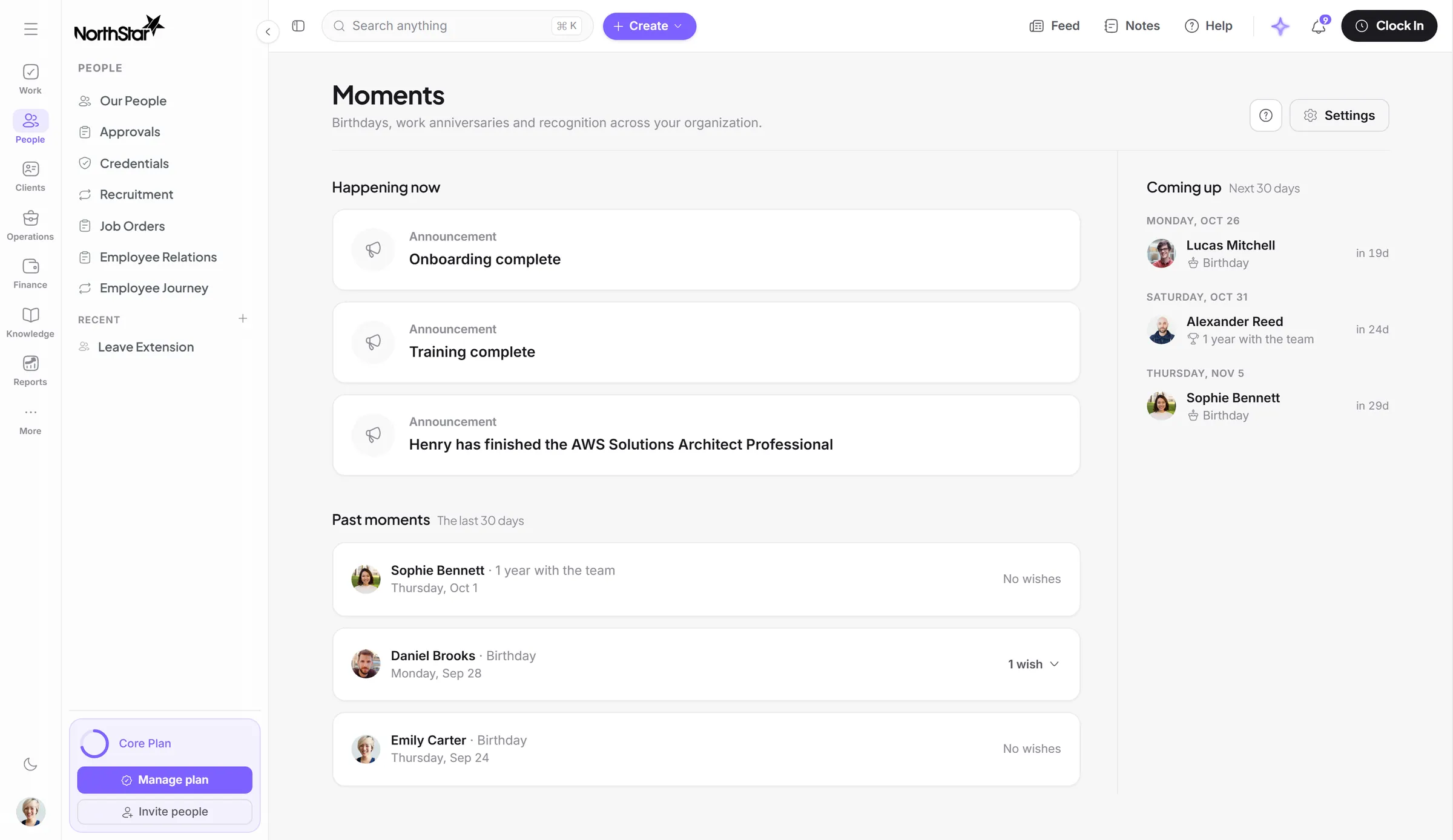
Leave, shift and equipment requests go to the right approvers in order, and anything that stalls gets flagged.
Learn more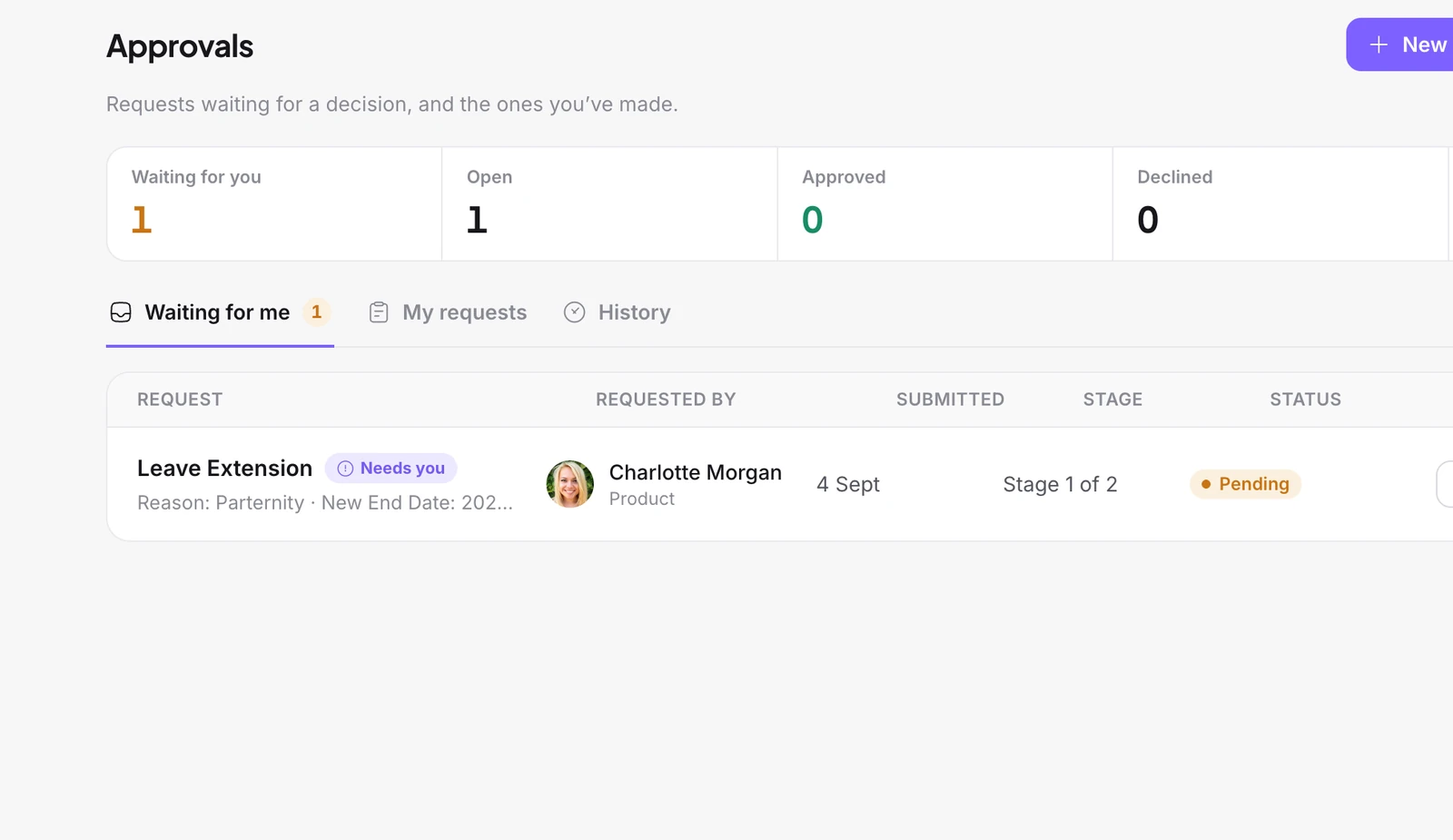
Complaints, incidents and payroll disputes become cases, and you can see who’s carrying the load.
Learn more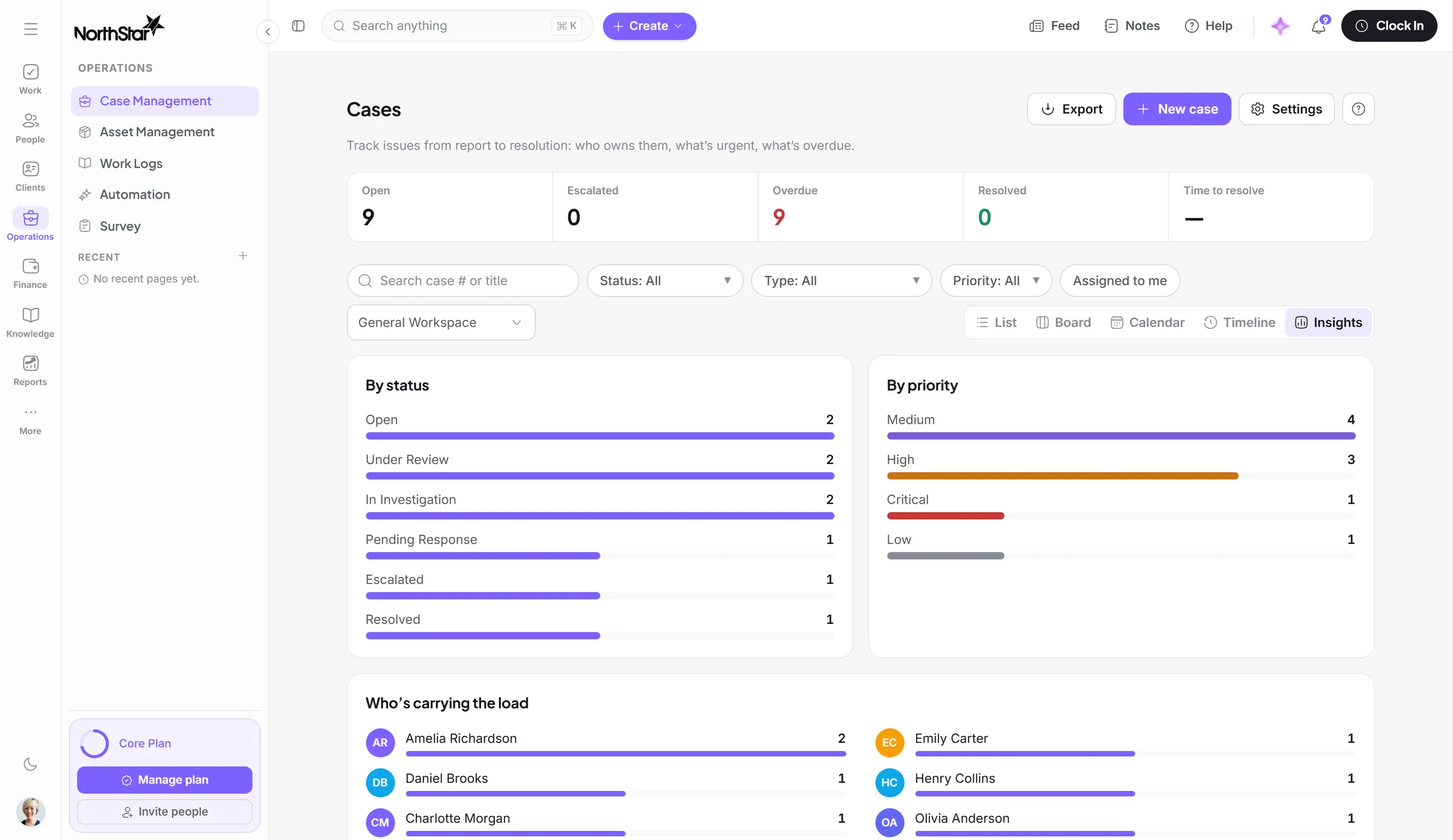
Placements turn approved hours into hours ready to bill, at the rate you agreed, next to everything else about the client.
Learn more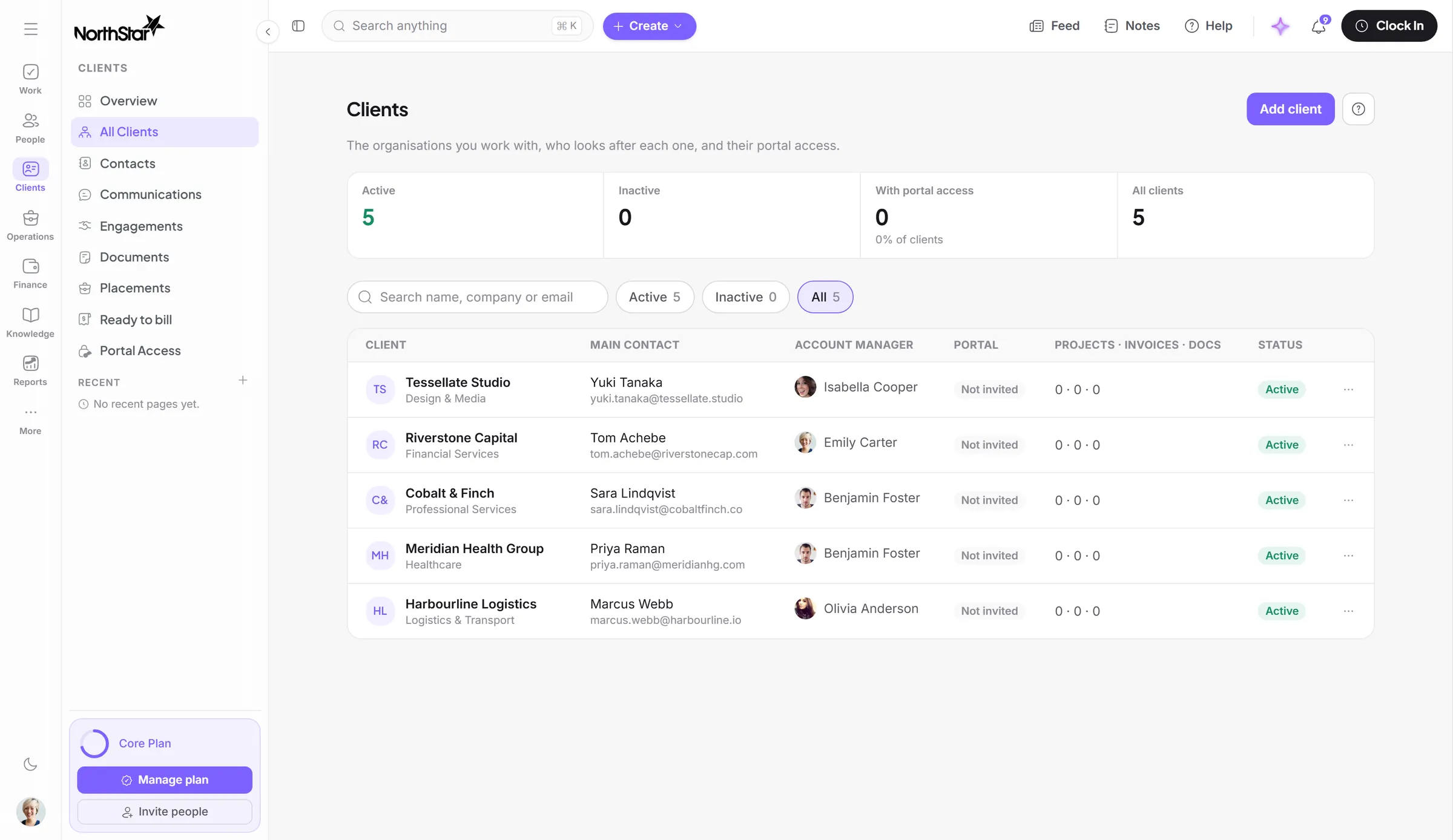
Help your teams move faster by turning your company’s work, processes and knowledge into guidance exactly where they need it.
See how it worksManage, engage and empower your team in just a few steps.
Contract, role, manager, documents and devices in one place. Change someone’s manager and the org chart updates itself.
Explore PeopleGive every task, project and case an owner, then see what’s on track, what’s at risk and who’s holding it.
Explore Work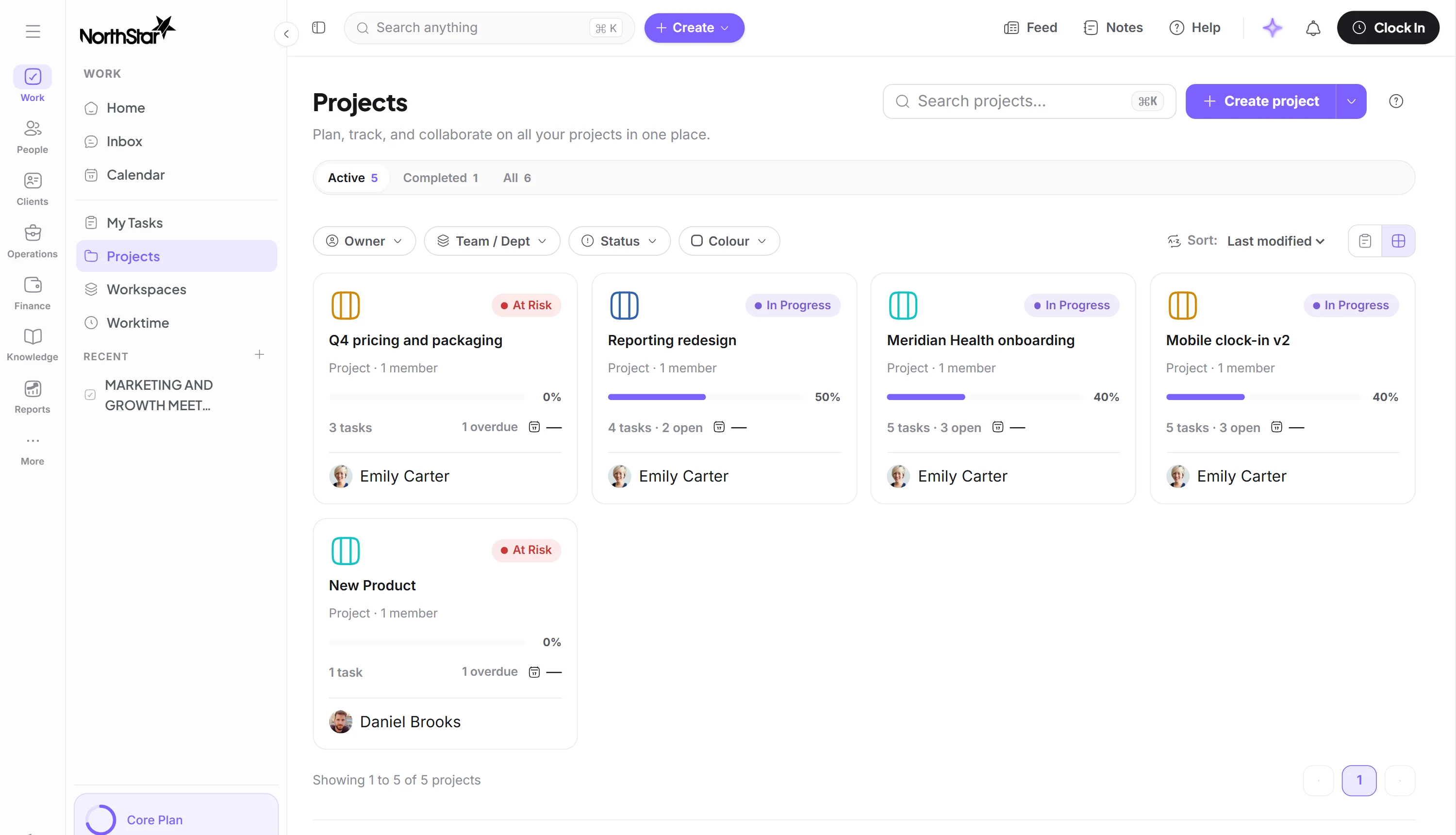
Clock in from a phone, a shared tablet or the terminal on the wall. Late and missed punches get flagged, and the week becomes a timesheet ready for payroll.
Explore Time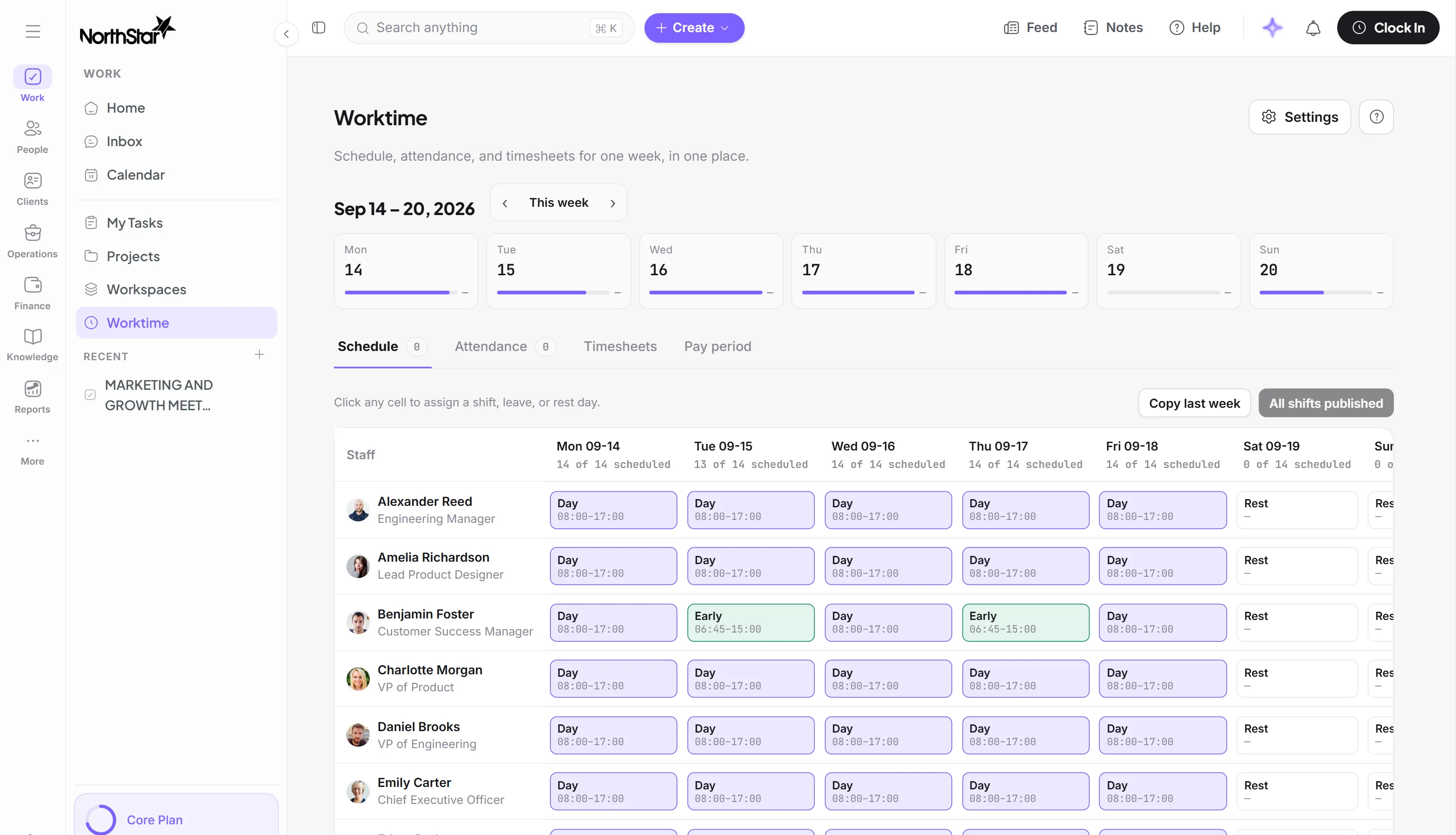
Each person gets a proposed assessment built from their goals, attendance and productivity. A manager confirms it, changes it or records why not.
Explore Performance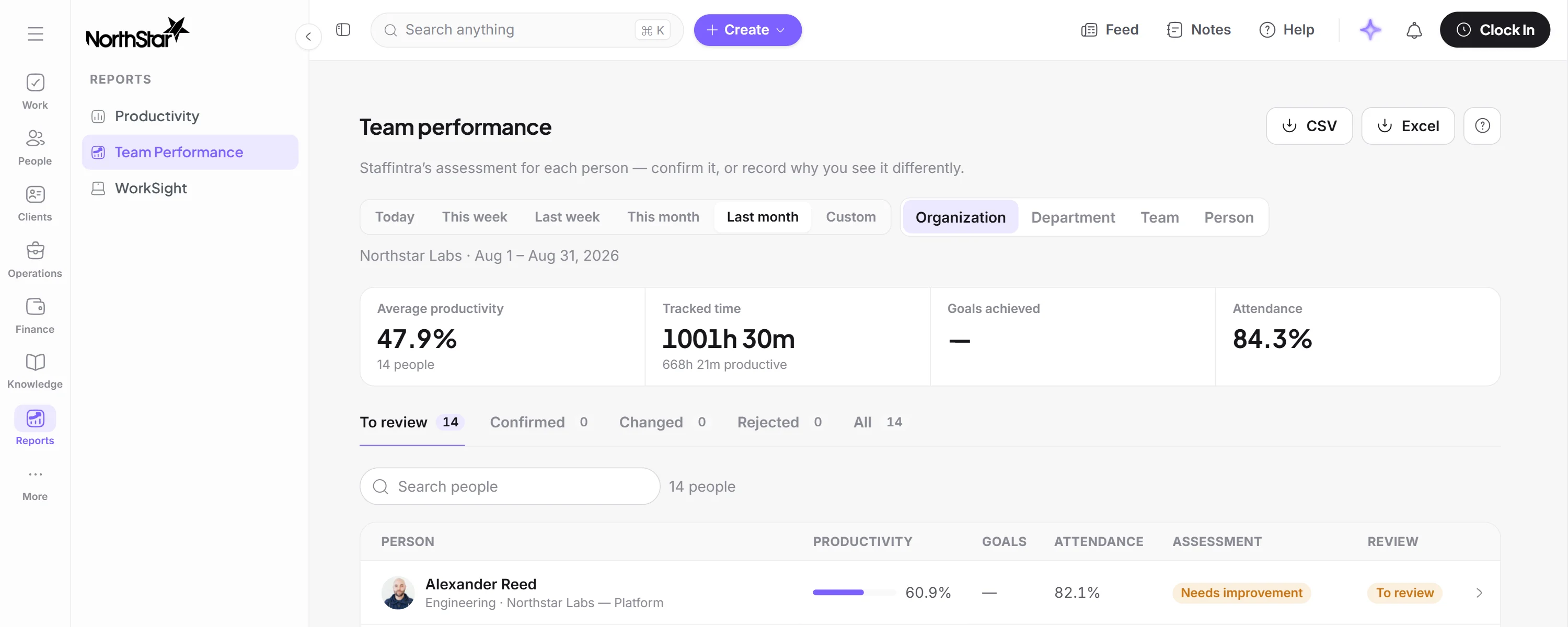
An optional desktop agent shows which apps and sites the day went on. Page addresses and window titles stay off unless you turn them on.
Explore Productivity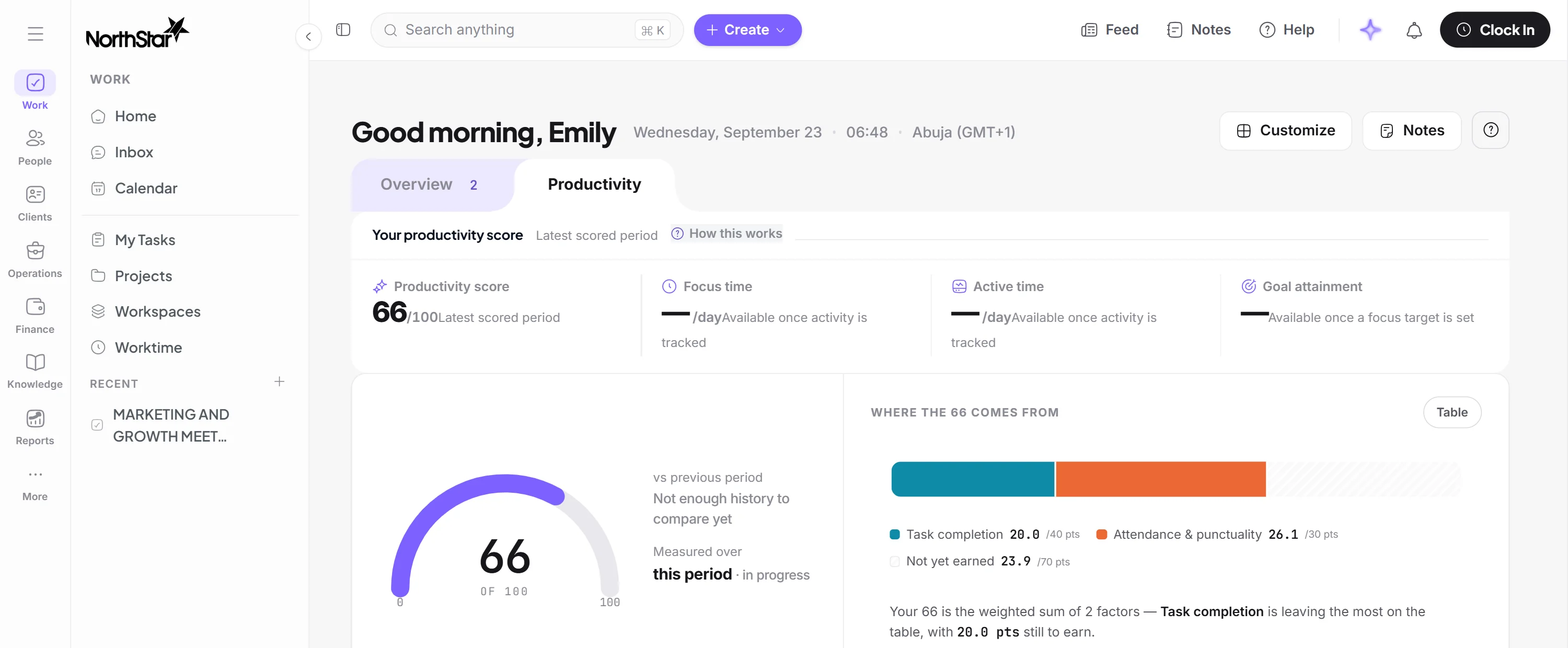
See who’s in, what’s waiting, what’s late and how the hours are adding up, all before you have to ask.
Requests route themselves, and late timesheets get the reminder without you sending it.
Learn moreWho’s clocked in, who’s off and who missed a clock-out, site by site.
Learn moreEvery request shows who it’s waiting on, and since when.
Learn moreEvery productivity score opens into the activity behind it, and a manager has the final word.
Learn moreKeep using the tools your team relies on, while the information they need stays in sync.
Your team uses the Google or Microsoft account they already have.
Clients, invoices and expenses sync with QuickBooks instead of being entered twice.
People in your Google or Microsoft directory sync across, so nobody is added twice.
Post to Slack, and keep Teams chats and channels in one inbox.
One workspace for the everyday operations of a business: people and records, time and attendance, tasks, projects and cases, requests and approvals, payroll preparation, documents and reporting. It runs on your own domain, in your own colours, configured around your own teams, locations and approval routes.
Businesses that run a workforce rather than a single office team: frontline and shift-based operations, multi-site companies, people and operations teams, and agencies or outsourcers who also have clients to account for. It is built for organisations that outgrew spreadsheets and do not want six separate subscriptions.
People and their records, schedules and attendance, timesheets and overtime, tasks and projects, operational cases, client work, requests and approvals, announcements and documents, payroll preparation and reporting. Six apps are included on every plan and the rest are switched on when you need them.
Yes, on every plan. Clock-in from a phone, a shared tablet or a biometric terminal, with geofencing per site, schedules, breaks, overtime and lieu time. A week of clock events becomes a timesheet with the rules already applied, which is what payroll preparation reads from.
An optional desktop agent, WorkSight, runs on company machines on macOS and Windows and reports activity. That turns into a productivity score for each person, team, department and organisation, alongside the hours they clocked. The intrusive settings are off unless you switch them on: full page URLs and window titles both default to off. Nothing is collected until you install the agent, and a workspace can run everything else with no agent at all.
Slack, Microsoft Teams, Microsoft 365, Google Workspace and QuickBooks each have a working setup flow in the product today, covering sign-in, directory, calendar, chat and your books. Beyond those there is a REST API behind scoped keys and signed webhooks on events such as payroll.finalized, with every delivery recorded.
Yes. Six terminal vendors are supported today: ZKTeco, Suprema, Hikvision, Anviz, Nitgen and BioTime. Register a device and its punches arrive as clock events on the same timesheet a phone clock-in feeds, so the clock already on your wall keeps working.
Yes. Plans are priced per active user with a minimum of ten, and apps are switched on and off from the workspace as you need them. You are billed for the people actually using it.
One platform for people, work, time, productivity and performance.


